
Every Fujifilm recipe you use, in one place
A recipe is a film simulation and its settings under a name. RAF Film Lab keeps yours as cards tinted by their film, ready to apply to any RAF or write to your camera's custom settings.
Updated
- Film
- Nostalgic Neg
- Dynamic Range
- DR400
- Highlight
- −1
- Shadow
- +1
- Color
- +2
- Grain
- Weak, Small
- Color Chrome
- Weak
- White Balance
- Auto, R+2 B−4
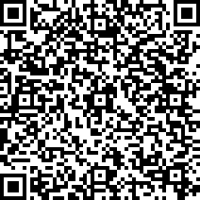 Scan with your phone, or open it in RAF Film Lab
Recipe Management
A recipe is a film and the settings your camera's menu holds, under a name. Keep yours in one place, apply one to any photo, or save one from the photo you're editing.
Copy recipes to and from your camera. RAF Film Lab reads the ones in its C1–C7 custom settings over USB, and writes any recipe back into a slot, checks it, and backs up the old slot first.
Found one written out in a forum post, a book or a magazine? Point your iPhone at the text and scan it, or take a photo or screenshot of it, and the settings are read on your device. QR codes, links and X RAW STUDIO profiles come in too. This card is a real one: point your phone at the code and it opens.
How do I keep my Fujifilm recipes in one place?
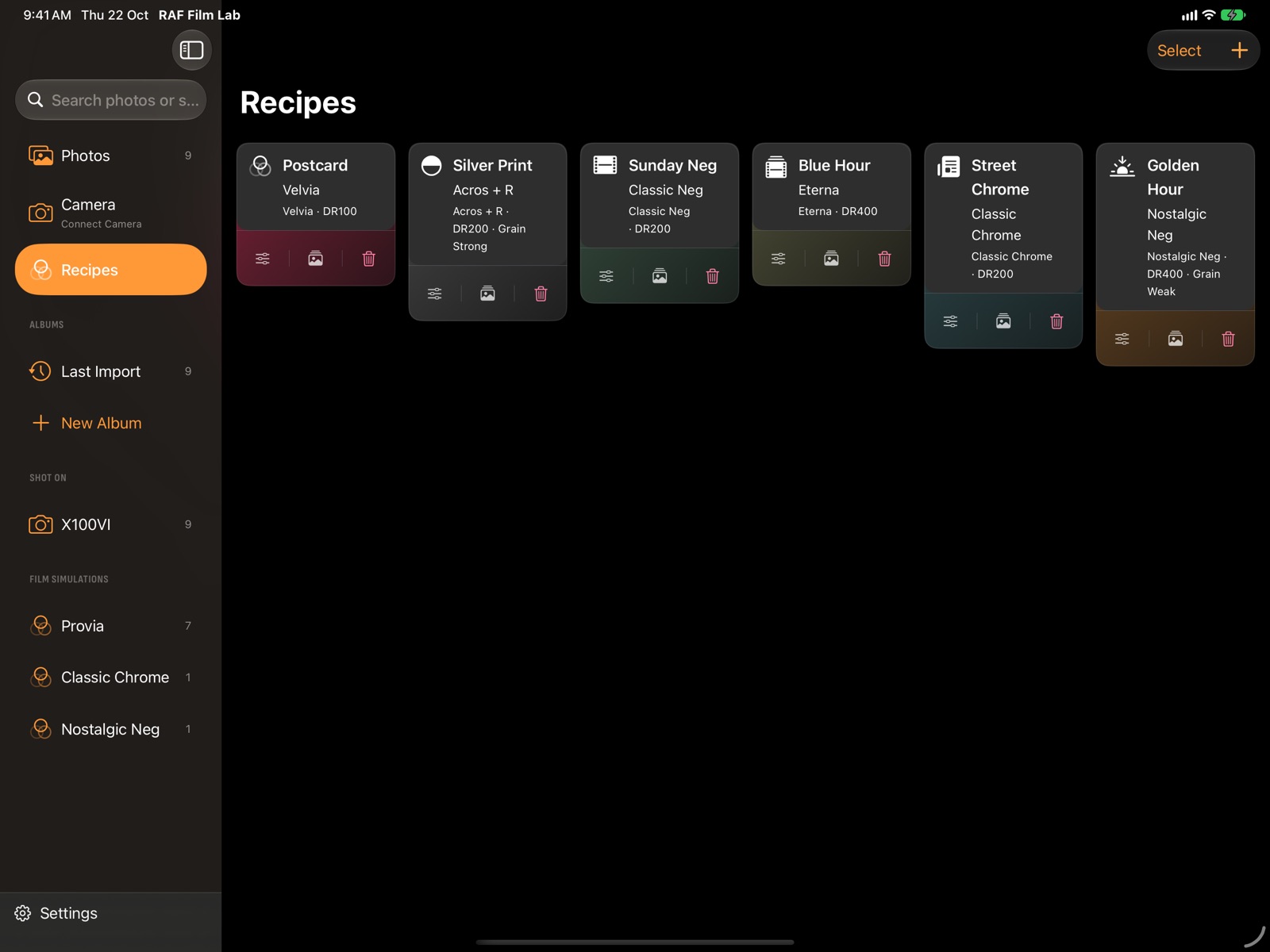
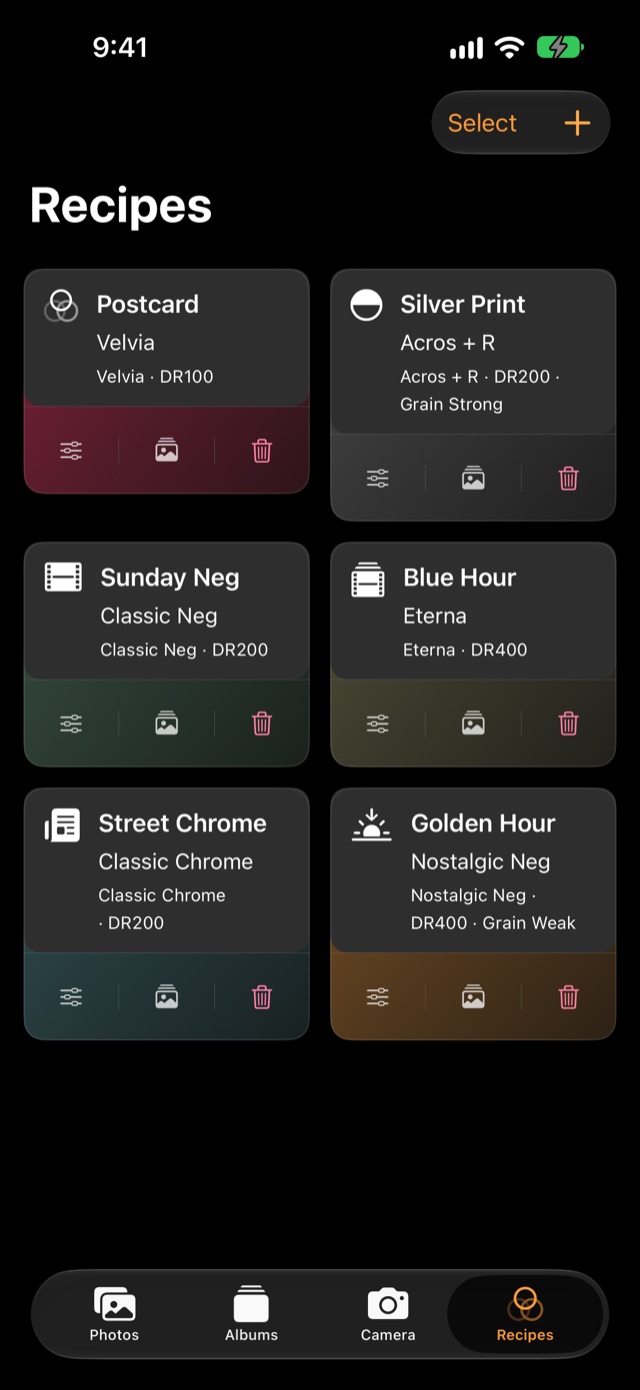
Recipes, in the sidebar on Mac and iPad or a tab on iPhone, shows each recipe as a card tinted by its film, with its key settings on the card: Dynamic Range, white balance, grain and tone. Each card has Edit and Delete; Select deletes several at once.
What is a Fujifilm film simulation recipe?
A named set of in-camera settings that gives a consistent look: a film simulation with its tone, colour, grain and white balance.
Everything the camera's own menu sets for a look: the film simulation, Grain Effect and size, Clarity, Dynamic Range, push and pull, Highlight and Shadow Tone, Color, Color Chrome Effect and FX Blue, and white balance with its shift.
Make one
- + → New Recipe writes one by hand.
- Save Recipe in the editor's Recipes workspace saves the photo you're editing.
- Add one from somewhere else: a QR code, a link, a file, a screenshot or your camera.
Use it everywhere
Apply a recipe to one photo or many, save it to your camera in C1–C7, or share it as a card with a QR code. With iCloud sync on, the same recipes are on every device.
Questions
What is a Fujifilm recipe?
A named set of in-camera settings, a film simulation with its tone, colour, grain and white balance, that gives a consistent look. Photographers share them as lists of settings.
Can I keep recipes for different cameras?
Yes. Recipes are kept in the app, and each one can be applied to any RAF or saved into any compatible camera's custom settings.
Are my recipes synced?
With iCloud sync on, recipes are on all your devices.
More of RAF Film Lab

Try it on your own RAFs.
RAF Film Lab is in beta on TestFlight for Mac, iPad and iPhone. Leave your email and Apple will send you an invite.