
Your RAW library on every device, in your iCloud
Turn on sync and each photo goes to your own iCloud as the full RAF, with its film, edits, rating and flag. Start on the iPhone, finish on the Mac. There's no RAF Film Lab server and no account.
Updated
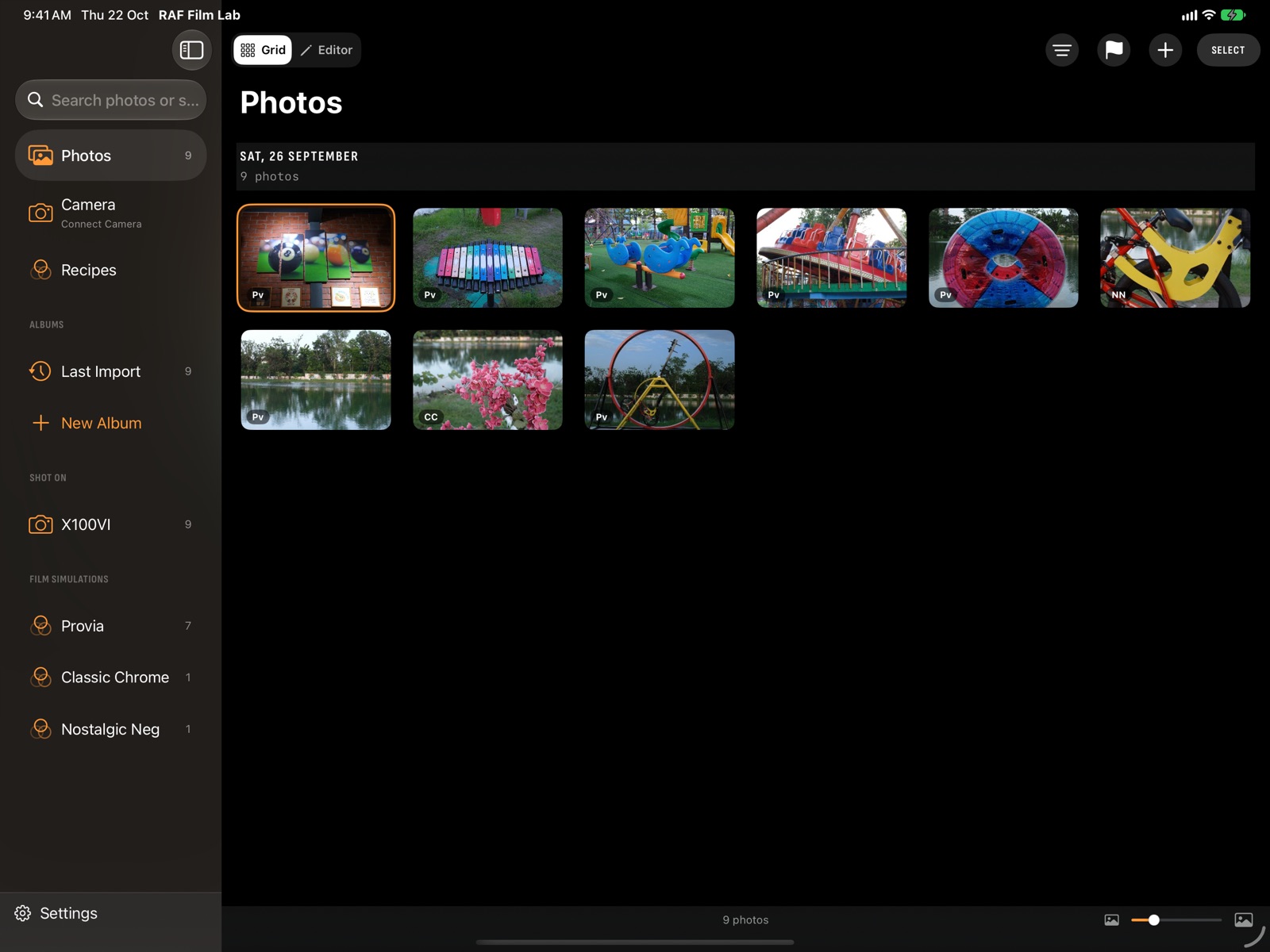
iPhone, iPad and Mac. In sync.
One app, with the same films and the same editor on every screen. Turn on sync and each photo goes to your own iCloud as the full RAF, with its edits, rating and flag, and your other devices pick up where you left off.
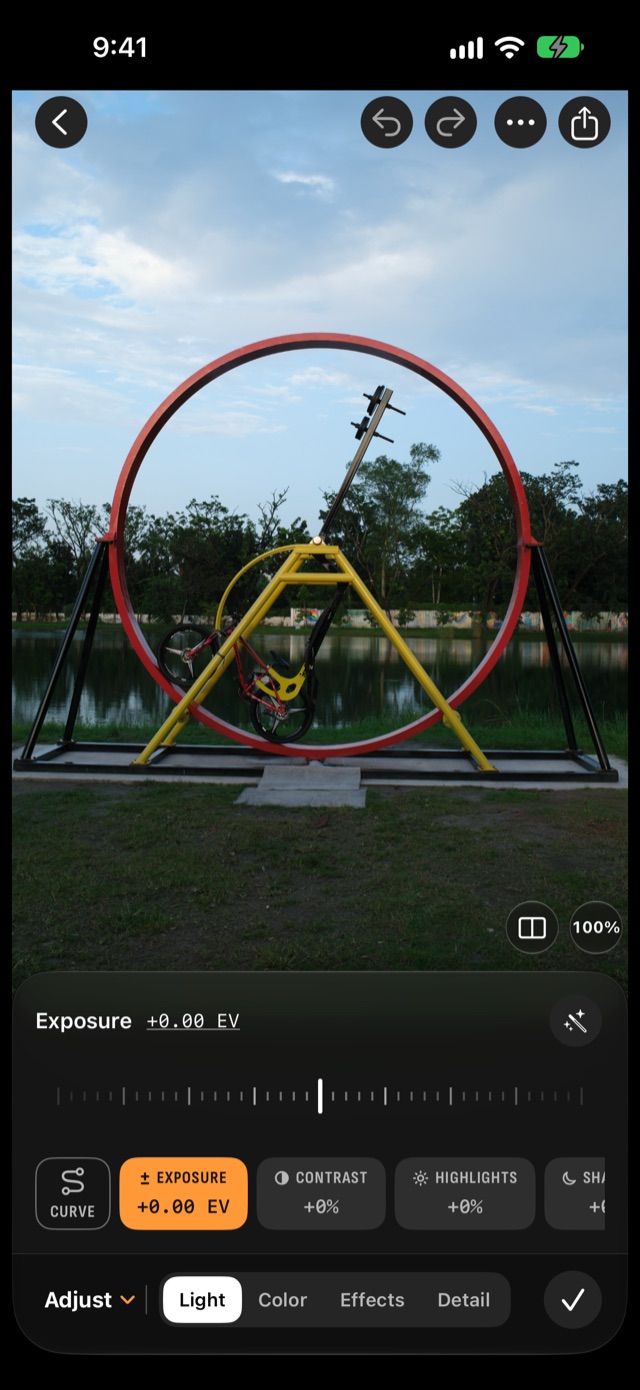
- Full RAWs, not previews. Every device edits the original file.
- Edits follow the photo. Change it on the iPad, see it on the Mac.
- Camera develops sync too. Develop on the Mac with the camera plugged in, and it shows on the iPhone.
- Your iCloud, nobody else's. No account, no server of ours, no ads, no tracking. Off until you turn it on.
Can I edit the same RAW files on my iPhone, iPad and Mac?
Yes. With iCloud sync on, each photo goes to your iCloud as the full RAF, and your other devices download the whole file.
Other devices download the whole RAF, so every device edits the original. Import on the iPhone in the field, cull on the iPad, and export from the Mac.
What does iCloud sync include?
The full RAW file and everything you've done to it:
- The RAF itself, with its film settings, edits, rating and flag.
- Camera develops: a develop made by the camera on one device shows on the others. Film Lab develops are remade on each device.
- Deletes: delete a photo once and it's gone everywhere.
- When two devices change the same photo, the most recent change wins.
Turn it on
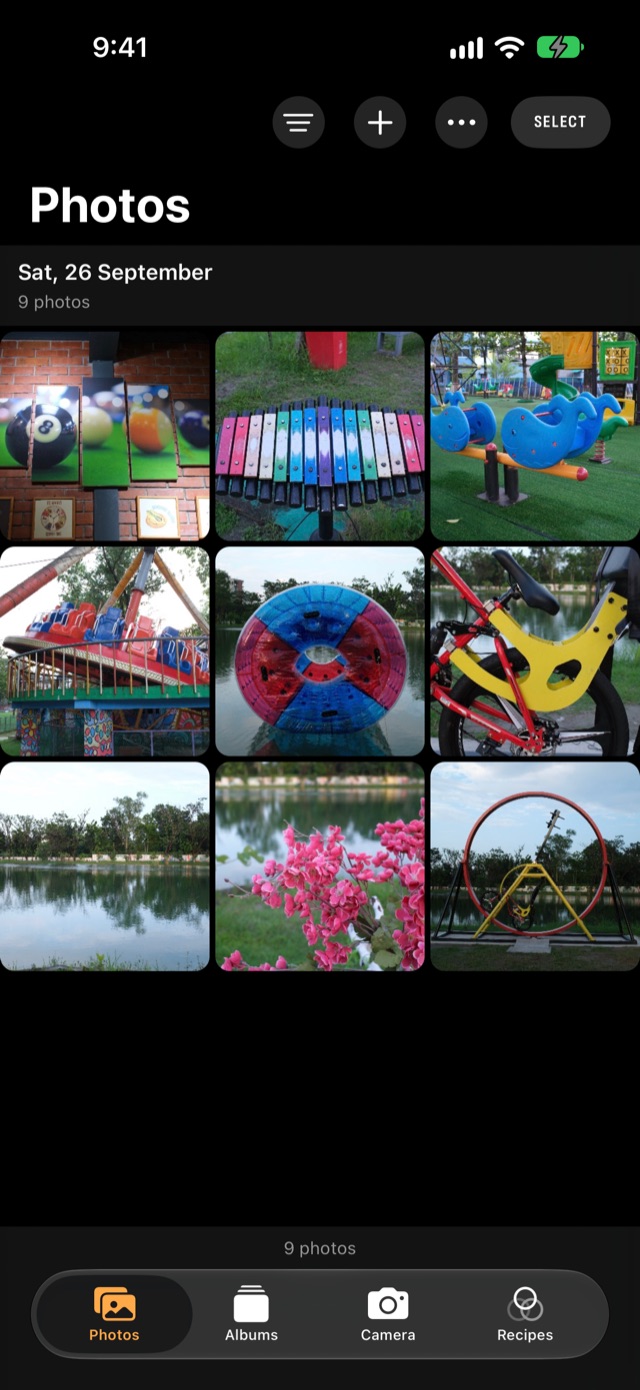
- Open Settings: ⌘, on the Mac, Settings at the foot of the sidebar on iPad, or ⋯ → Settings in the iPhone library.
- Turn on Sync photos with iCloud.
- Do the same on each device you want in sync.
Private, and in your storage
Sync is off by default and only ever uses your iCloud storage: RAF Film Lab has no server to send photos to. RAF files are 30–60 MB each and count against your iCloud storage; Settings shows how much the library uses. Read the privacy policy.
Questions
Does RAF Film Lab need an account?
No. Sync uses your own iCloud, and there's no RAF Film Lab server.
How much iCloud storage does it use?
RAF files are 30–60 MB each. Settings shows how much the library uses.
Do edits sync between Mac, iPad and iPhone?
Yes. Edits, film settings, ratings and flags follow the photo.
What happens if I edit the same photo on two devices?
The most recent change wins.
More of RAF Film Lab

Try it on your own RAFs.
RAF Film Lab is in beta on TestFlight for Mac, iPad and iPhone. Leave your email and Apple will send you an invite.